Flowboard
A drag-and-drop project board for teams.
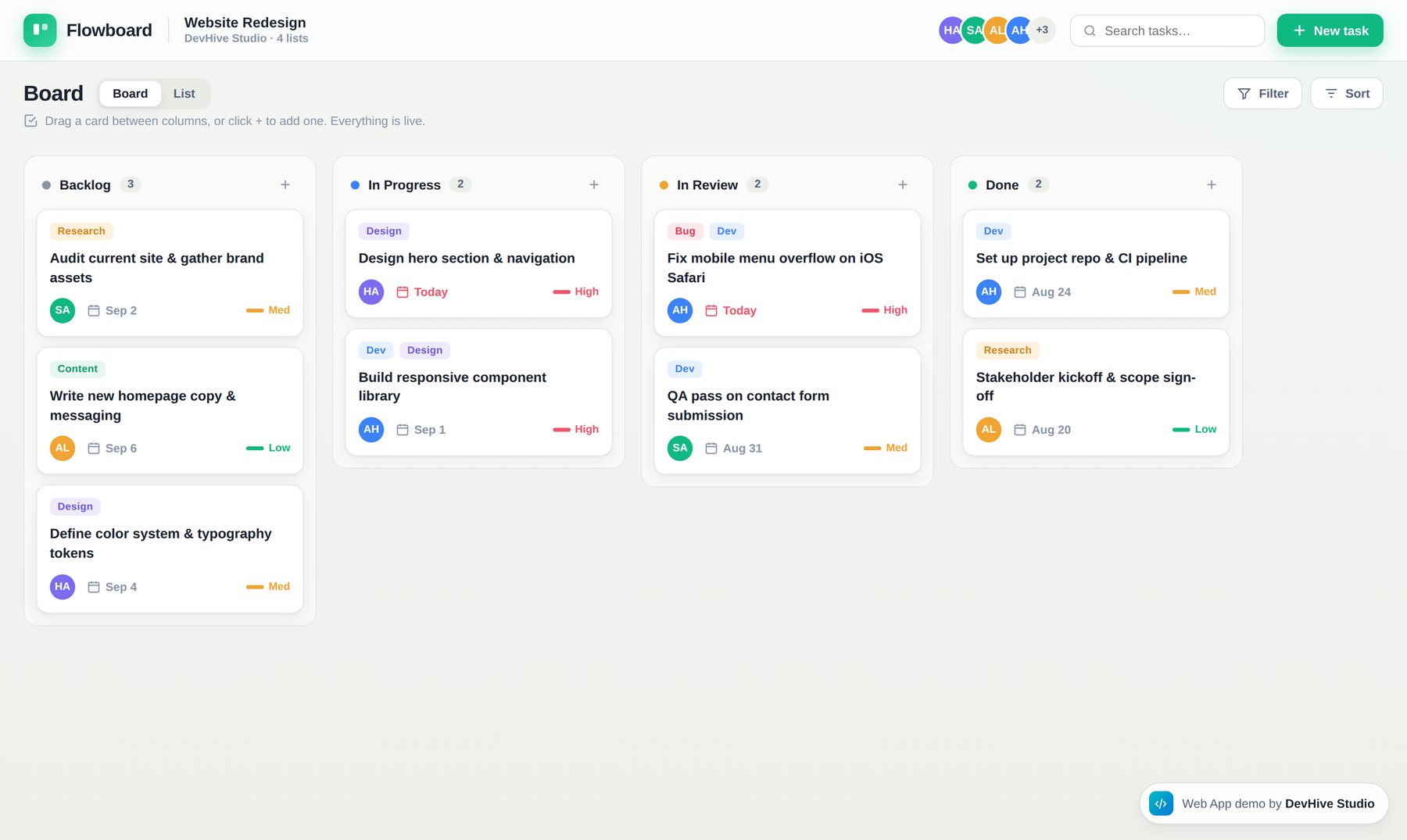
Overview
Flowboard is an interactive web-app demo showing how we build productivity tools. It's a kanban board where work moves through columns from Backlog to Done.
Drag any card between columns, add new tasks inline, delete on hover, and search to highlight matches — every interaction happens live in the browser with no page reloads.
What it does
Screenshots
Why we built it
Teams move work forward by moving it across stages — to do, in progress, done. The tools that do this well feel instant; the ones that don't get abandoned. Flowboard exists to show that we can build productivity tools that feel as fast as native software, right in the browser.
The purpose is to demonstrate fluid, real-time interaction — drag, drop, create, search — without page reloads or lag. It's the foundation pattern behind internal tools, project trackers and SaaS apps we build for clients.
How we built it
Model the workflow
We started from how work actually flows — columns, cards, priorities, owners — not from a generic template.
Engineer the interactions
Native drag-and-drop, inline editing and search-highlight, all updating state live in the browser.
Polish the feel
Smooth transitions, hover affordances and colour-coded labels so the board is readable at speed.
Ship it live
Deployed as a working web app you can open and use immediately.